
WhatsApp messaging
Send Event Passes on WhatsApp
Reach guests where they actually read messages.
Open WhatsApp with the guest's number and a ready-written message that includes their personal pass link. The link shows the QR code as a preview image in the chat. Organisations on supported plans can also send WhatsApp messages automatically for registrations, reminders and check-ins.
Why it matters
Why teams use WhatsApp messaging in Eventovalley
Ready-made templates
Registration, reminder, event day, join now and thank-you messages, editable for your organisation.
QR preview in chat
The pass link displays the guest's QR code as an image preview in WhatsApp.
One click per guest
Messages open in WhatsApp with the number and text filled in.
Bulk messaging
Work through a selection of guests quickly from the guest list.
Automatic messages
On supported plans, registration confirmations, reminders and thank-yous go out automatically.
Correct numbers
Numbers are formatted with your default country code so messages reach the right person.
How it works
Up and running in minutes
- 1
Edit your templates
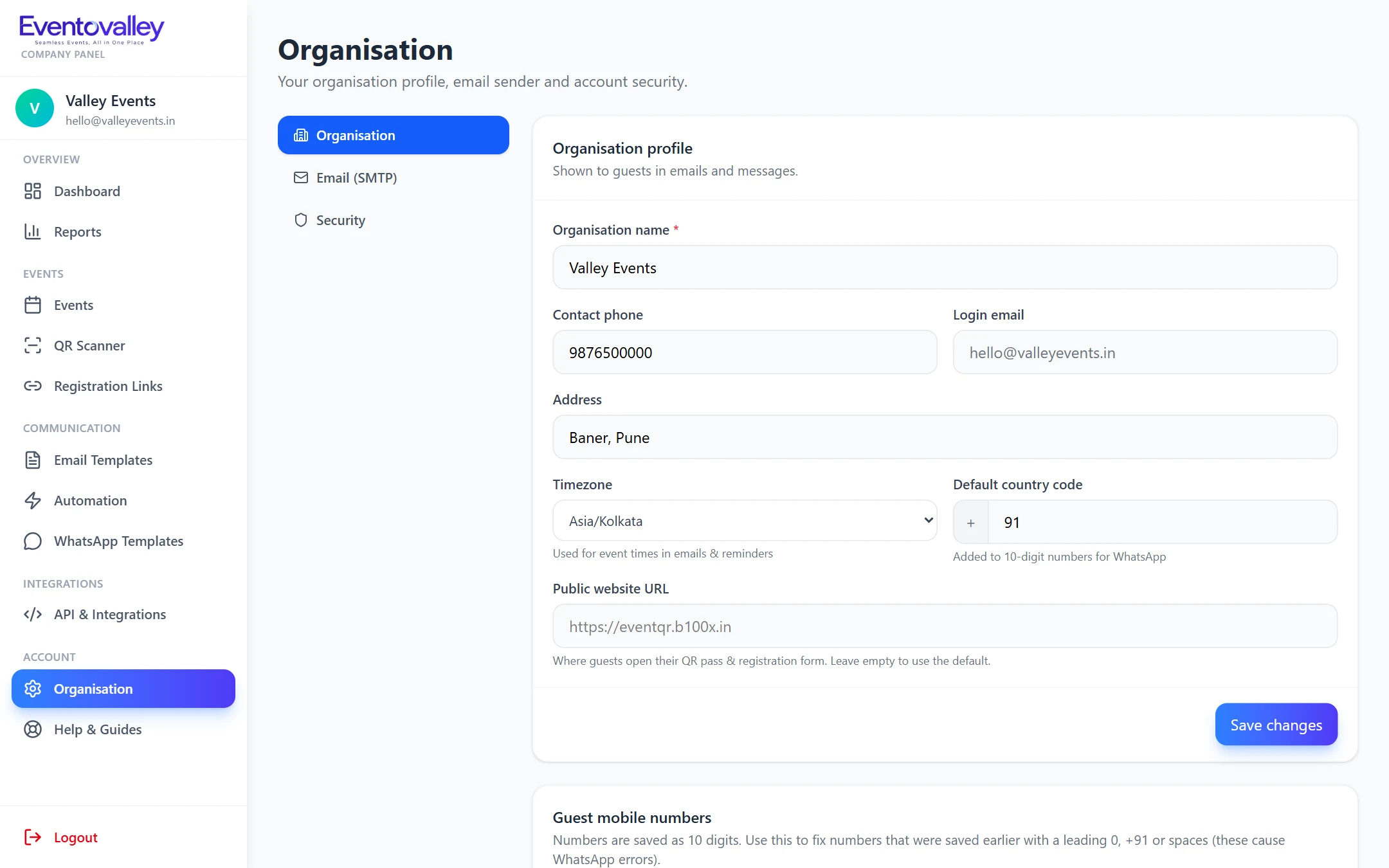
Adjust the WhatsApp messages in your organisation settings.
- 2
Choose guests
Message one guest or work through a selection.
- 3
Send
WhatsApp opens with the message ready to send.
FAQ
Questions about WhatsApp messaging
Can I send the QR entry pass on WhatsApp?
Yes. Messages include the guest's personal pass link, which shows the QR code as a preview image in the chat.
Can WhatsApp messages be sent automatically?
Yes, on supported plans. Registration confirmations, reminders and check-in messages can be sent automatically through approved WhatsApp templates.
Related features
Branded email invitations
Send branded event invitations with each guest's QR code built in. Editable templates, personal placeholders, live preview and background bulk sending with progress.
Learn moreAutomated reminders
Schedule event reminders 2 days, 1 day, 4 hours, 1 hour and 10 minutes before, a "we're live" email and an after-event thank-you. Every guest gets each reminder once.
Learn moreQR code check-in
Check guests in at the door in seconds. Scan QR codes with any phone camera, type a 6-character code as a backup, and stop duplicate entries automatically.
Learn moreSeamless Events, All in One Place
Start using WhatsApp messaging today.
Create your account, add your first event and start sending QR passes in minutes.