
01
Registration that fills itself
Share one link or QR poster. Guests register on any phone, or arrive by CSV import and API.
- Public link and QR poster
- CSV import with column matching
- Duplicates blocked automatically
Guest lists, branded invitations with QR passes, automatic reminders and fast check-in at the door, for in-person, online and hybrid events.
The core
Register guests, keep them informed and get them through the door, without switching tools.
Share one link or QR poster. Guests register on any phone, or arrive by CSV import and API.
Branded emails from your own address carry each guest’s QR pass. Seven timed reminders follow on their own.
Staff scan passes with any phone. Duplicates are flagged and the numbers update live for the whole team.
Spotlight · QR check-in
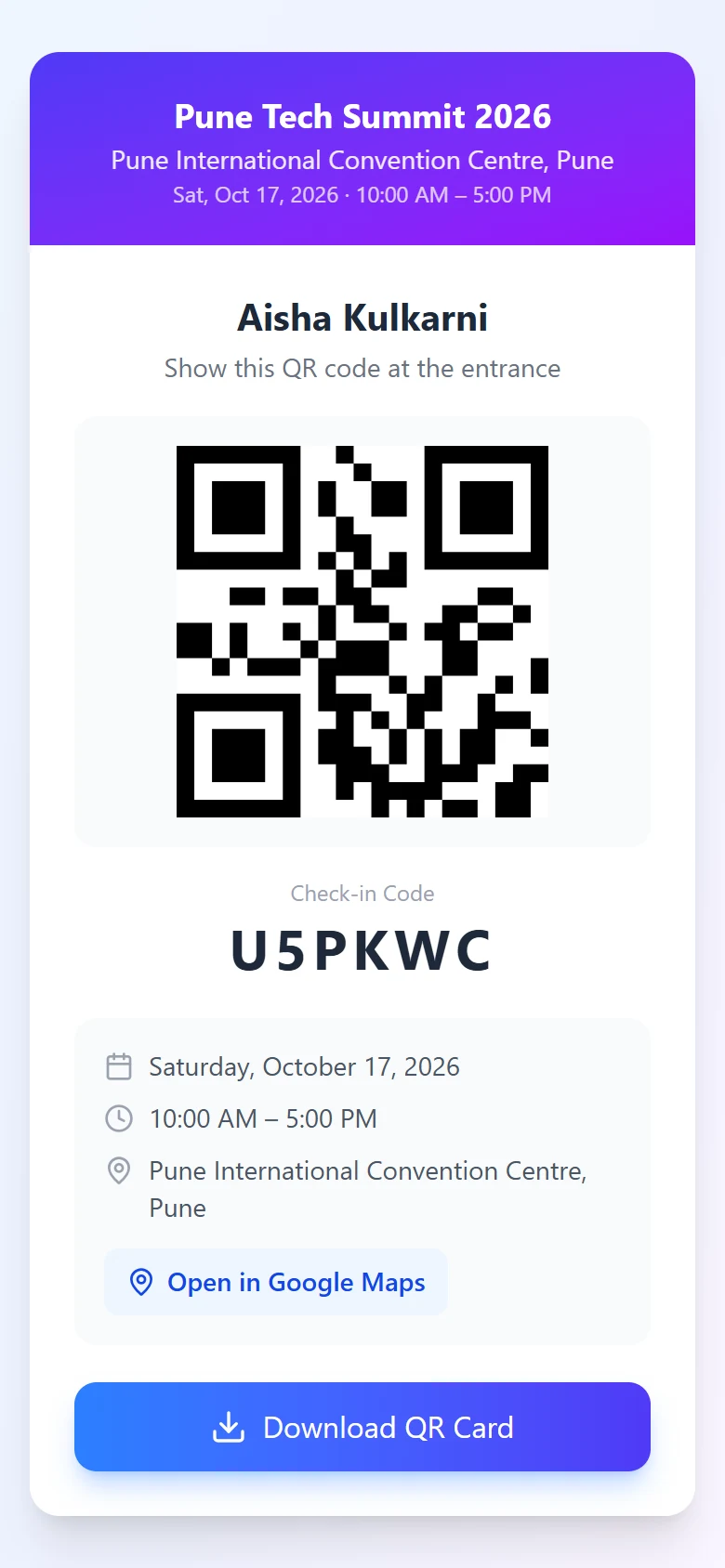
Every guest gets a unique pass. Your team opens the scanner on the phones they already carry, and the queue simply moves.
Explore QR check-inRuns in the browser on Android, iPhone and laptops.
A pass scanned twice shows who used it and when.
Type the 6-character code if a screen is cracked.
Every scanner and the dashboard update together.
For your team
Registrations against capacity, check-ins by the minute and every guest's status. Each company gets its own secure workspace.
And everything around it
Turn it on once. Every reminder goes out on time.
One organised guest list for every event.
Reach guests where they actually read messages.
Bring your spreadsheet. Eventovalley does the clean-up.
Your guest list as a pipeline.
Know who actually joined, without exporting meeting reports.
Your name and domain in every inbox.
Inside the product
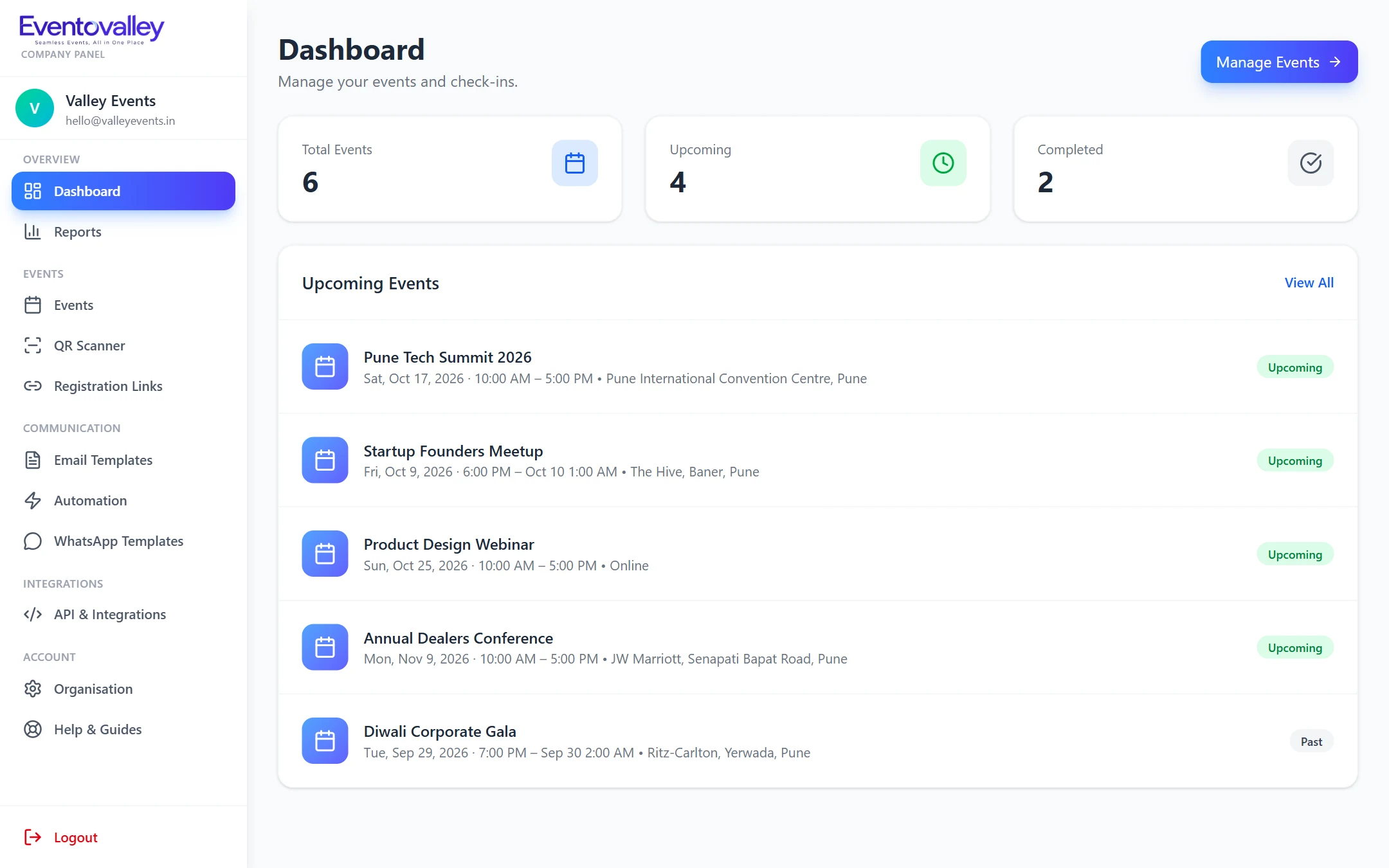
Dashboard. Upcoming events and attendance figures in one view.
Learn moreHow it works
STEP 1
Date, venue or meeting link, and capacity.
STEP 2
Registration link, CSV import or API.
STEP 3
Email and WhatsApp, with reminders.
STEP 4
Scan with any phone. Done.
No. The scanner works in the browser on any phone or laptop with a camera. If a QR code is damaged, staff can type the 6-character code instead.
Yes. Every event has a public registration link and a QR poster. Guests fill a short form on their phone and get their entry pass immediately.
Any SMTP account works, for example Gmail, Outlook, Zoho or your own domain. Emails are sent from your address with your name on them.
Yes. Online events include the meeting link in every email. Hybrid events get both the QR pass and the meeting link.
Yes. Import CSV files with automatic column matching, or push registrations in real time from your payment or landing page through the API.
Seamless Events, All in One Place
Create your account, add your first event and start sending QR passes in minutes.